Table of contents
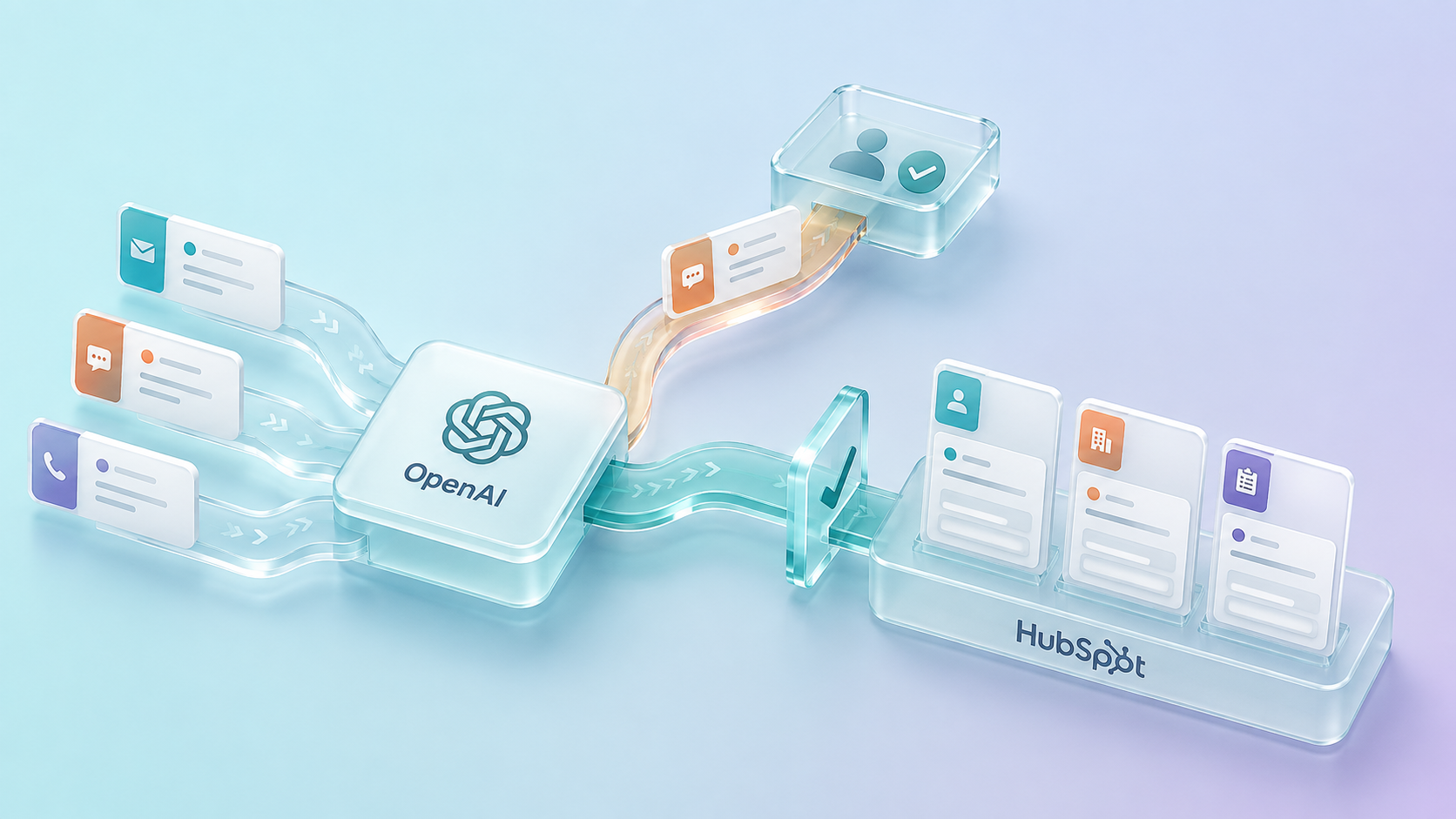
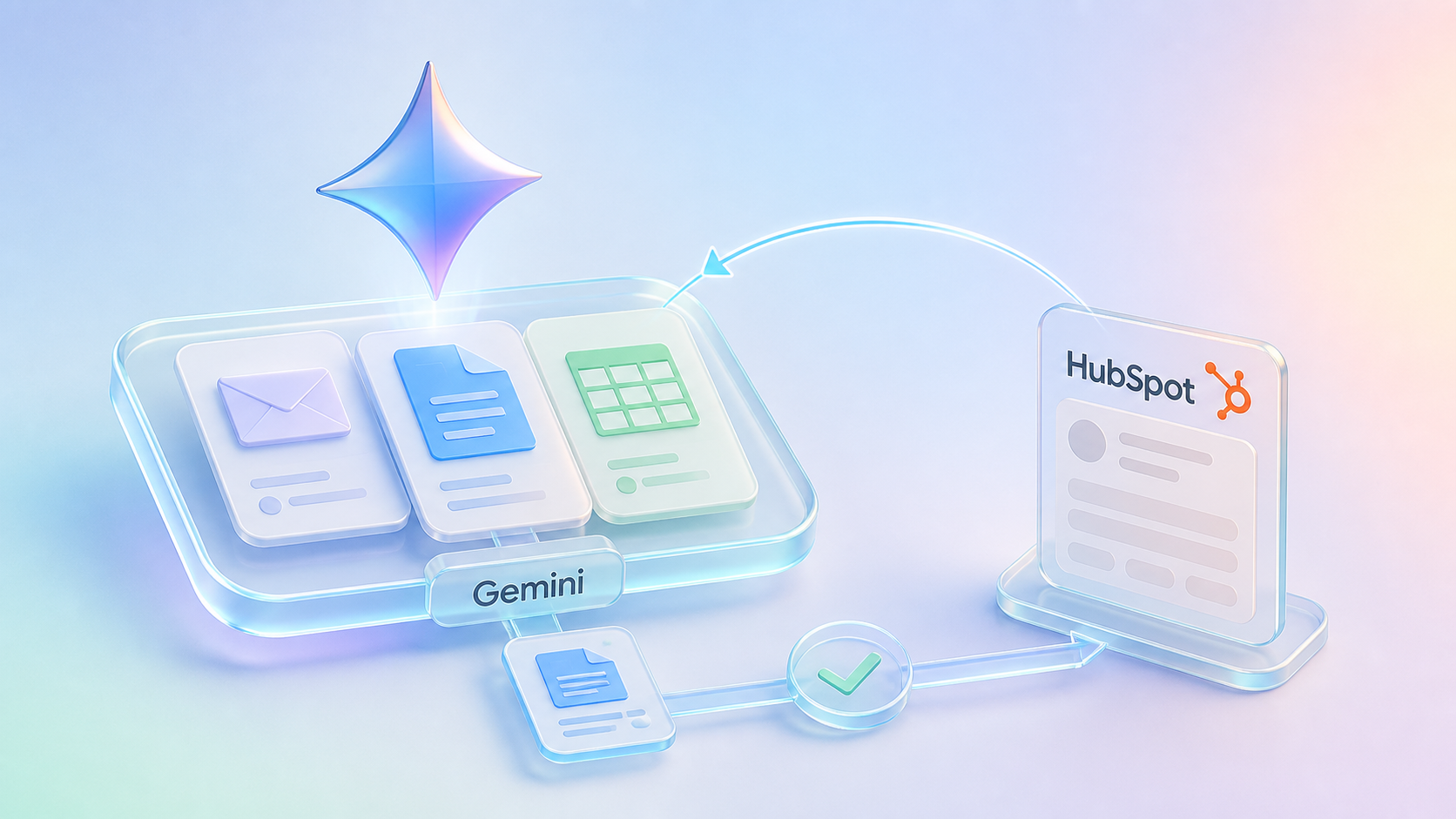
A deal moves forward in HubSpot, but the rest of the business still needs the same work to show up properly in SAP Business One.
The company is already known. The contact may already exist. The quote or commercial context may already be clear.
What is still missing is the downstream record the rest of the business can act on.
That is where the friction starts.
Sales and marketing work in HubSpot. Orders, invoices, and operational records live in SAP Business One. Customer conversations happen in one place. Execution happens somewhere else.
Most HubSpot and SAP Business One problems are not software problems.
They are handoff problems between commercial work and downstream execution.
That is what slows the business down. Not because either platform is weak, but because the transition between them is still too manual, too fragmented, or too dependent on internal follow-up.
Why the Integration Matters
HubSpot and SAP Business One are built for different parts of the same process.
HubSpot manages front-office activity:
- Lead capture
- Deal progression
- Customer communication
- Marketing and sales visibility
SAP Business One manages downstream execution:
- Customer records for operations and finance
- Sales orders
- Deliveries
- Invoices
- Financial and operational follow-through
The issue is not deciding which system should do more.
The issue is making sure the handoff between them is reliable.
When the two are disconnected, the same problems show up quickly:
- Customer and company data drifts across systems
- Order and invoice visibility depends on manual updates
- Sales loses sight of what happened after the deal
- Reporting becomes harder to trust
- Teams start rebuilding information that already exists elsewhere
That creates drag the business feels every day.
What Each System Should Own
A strong integration starts with role clarity.
|
Process / Responsibility |
HubSpot |
SAP Business One |
|
Lead capture and lifecycle activity |
✔ Yes |
–
|
|
Sales pipeline and deal visibility |
✔ Yes
|
–
|
|
Customer engagement and marketing activity |
✔ Yes
|
–
|
|
Customer financial and operational records |
–
|
✔ Yes
|
|
Sales orders, deliveries, and invoices |
–
|
✔ Yes
|
|
Shared customer context |
✔ Yes |
✔ Yes |
|
Downstream visibility for commercial teams |
✔ Yes |
✔ Yes |
Explore Further
Most integration problems begin when that boundary gets blurred.
HubSpot gets expected to answer operational questions it was never designed to own. SAP Business One gets treated like a front-office collaboration tool. Teams compensate with spreadsheets, side communication, and duplicated records.
That does not create alignment.
It creates overlap.
Where the Disconnect Usually Starts
The breakdown usually happens when work is supposed to leave the CRM and become something operations or finance can act on.
By that point, HubSpot may already contain:
- The company or customer context
- The contact details
- The deal or quote
- The commercial owner
- The timing and notes around the opportunity
But SAP Business One still needs:
- The right business partner record
- The right order structure
- Accurate customer and contact alignment
- Downstream records for delivery and invoicing
- Data the rest of the business can trust
When that handoff is manual, the same issues tend to appear:
Data Gets Re-Entered
Teams rebuild information that already exists upstream instead of moving it forward cleanly.
Records Stop Lining Up
Customer, order, and invoice information begins to drift between systems.
Sales Loses Downstream Visibility
The deal is moving in HubSpot, but the team still does not know what happened next without checking elsewhere.
Operational Reporting Gets Harder to Trust
Once customer, deal, order, and invoice context are split across systems, reporting confidence starts to erode.
This is not unusual.
It is what many businesses end up working around when CRM and ERP are not connected properly.
How This Shows Up in Different Industries
The disconnect between HubSpot and SAP Business One tends to show up differently depending on the business model.
Manufacturing
Sales may manage quotes and customer relationships in HubSpot, while SAP Business One handles orders, deliveries, and invoicing. Without integration, teams lose time re-entering order data and chasing downstream status updates.
Consumer Goods
Commercial teams need better visibility into customer activity, order flow, and account history across systems. When SAP Business One and HubSpot are aligned, sales and marketing can work from a more complete view of the customer.
Retail and Distribution
As orders, deliveries, and invoices move through SAP Business One, account teams still need enough visibility in HubSpot to respond quickly and manage relationships without relying on side communication.
The industry changes the details.
It does not change the operating issue.
What the Integration Actually Changes
A strong HubSpot and SAP Business One integration does more than sync records.
It improves the movement between commercial activity and downstream execution.
In practice, that usually means:
- Cleaner alignment between companies and customer records
- Better continuity between contacts, deals, and downstream transaction activity
- More usable visibility into orders, deliveries, and invoices inside HubSpot
- Less duplicate data and less internal reconciliation
- A clearer view of what happened after a deal moves forward
The point is not to turn HubSpot into an ERP.
It is to make sure HubSpot reflects enough downstream reality for sales, marketing, and service teams to coordinate intelligently.
That is what makes the integration useful.
What Usually Needs to Stay Aligned
The exact design depends on the business model, but most businesses need alignment across a few core layers.
Customer and Account Records
Teams need companies and customer records to stay reliable across both systems so account context does not drift.
Contacts and Relationship Data
Commercial teams need current contact information and cleaner association between the people involved in the account.
Deal and Quote Context
The sales process in HubSpot needs to carry enough context forward so downstream teams are not reconstructing what was sold.
Order, Delivery, and Invoice Visibility
Once work progresses in SAP Business One, commercial teams still need enough visibility in HubSpot to manage relationships and respond intelligently.
Record Relationships Across the Lifecycle
The real value often comes from how these layers connect, so teams can move from account to deal to order to invoice without switching systems constantly.
Why Data Hygiene Matters Here
This is one place where many integration articles stay too vague.
But if companies, contacts, and downstream records are not matched correctly, the rest of the integration becomes harder to trust.
Duplicate contacts create confusion.
Mismatched companies create reporting issues.
Disconnected order and invoice records break visibility.
That is why a useful integration has to support:
- Reliable customer matching
- Cleaner association between records
- Clear identifiers across systems
- More trustworthy customer and transaction data over time
When that works, HubSpot becomes more useful because the data inside it is easier to rely on.
Why This Matters Across Teams
This is not just a technical project.
It changes how multiple teams work against the same customer lifecycle.
Sales
Commercial teams gain better visibility into what happened after the deal without constantly checking the ERP or chasing updates internally.
Marketing
Marketers can work from more accurate customer and account context instead of relying on incomplete CRM records.
Operations
Downstream teams spend less time correcting or rebuilding customer and order context that should already be aligned.
Finance
The transition from commercial work to order and invoice activity becomes cleaner and easier to track.
Leadership
The business gains a more connected view of customer activity, commercial progression, and downstream execution.
What Strong Integration Design Requires
A useful HubSpot and SAP Business One integration depends on a few practical decisions.
Clear Source-of-Truth Boundaries
Not every field should live everywhere. The business needs clarity on what HubSpot owns and what SAP Business One owns.
Reliable Record Matching
Customer and contact records must stay aligned without creating duplicate or conflicting data.
Meaningful Downstream Visibility
HubSpot should reflect the milestones commercial teams need to see, without pretending to be the ERP itself.
Workflow and Association Logic That Reflects Reality
The system should support how the business actually sells, delivers, and invoices, not just how the software ships out of the box.
Governance and Auditability
The integration should be trustworthy enough to support real operational oversight, not just occasional convenience.
What Improves When the Handoff Is Reliable
When HubSpot and SAP Business One are aligned properly, the gains tend to be practical and immediate.
|
Outcome |
Impact |
|
Better customer visibility |
Teams can work from a more complete view of the account across CRM and ERP activity |
|
Reduced manual work |
Less re-entry, fewer side updates, and less internal reconciliation |
|
Stronger data consistency |
Companies, contacts, and downstream transaction records stay better aligned |
|
Clearer downstream context |
Sales and service teams can see more of what happened after the deal |
|
More reliable reporting |
The gap between CRM activity and ERP execution becomes easier to track |
Conclusion
HubSpot and SAP Business One do not compete with each other.
They support different parts of the same process.
HubSpot is well suited to manage customer engagement, pipeline activity, and front-office visibility. SAP Business One is well suited to manage operational and financial execution.
The value comes from connecting them in a way that reduces re-entry, improves visibility, and makes the movement from CRM to ERP much easier to trust.
For companies trying to connect sales, operations, and finance more cleanly, a HubSpot and SAP Business One integration creates a far more usable operating model.
It helps the business move faster, see more clearly, and spend less time translating between systems.
Explore Related Resources