Table of contents
ChatGPT is often the first AI tool business users reach for. That makes it relevant to HubSpot teams, but it also creates a risk.
If users are already asking ChatGPT to summarize accounts, draft emails, analyze deals, or prepare meeting notes, the organization needs a safer way to handle CRM context. The answer is not to pretend people will stop using AI. The answer is to design the workflow so HubSpot data, private knowledge, and CRM actions are handled deliberately.
ChatGPT and OpenAI can be valuable around HubSpot. But the architecture needs to distinguish between three very different patterns:
- ChatGPT with the official HubSpot connector
- Custom applications built with the OpenAI API
- Governed workflows using MCP, HubSpot APIs, middleware, and human approval
Those are not the same thing.
Short Answer
The official HubSpot connector for ChatGPT can be useful for CRM context, analysis, and, where enabled, supported create or update actions. Because connector capabilities can depend on account settings, upgraded permissions, available objects, and rollout state, teams should confirm the actual actions available in their HubSpot portal before designing workflows around it. For secure CRM automation, HubSpot teams should still use governed middleware, HubSpot APIs, OpenAI tool-calling or MCP patterns, human approval, and audit logging to control what AI can read, recommend, and update.
Learners.ai POV
ChatGPT is powerful because business users already know how to ask it questions.
That is also the risk.
If a user can ask ChatGPT to analyze HubSpot data or propose CRM changes, the organization needs more than enthusiasm. It needs a clear operating model for which data can be accessed, which actions require confirmation, which workflows need separate approval, and what gets logged.
The serious question is not "Can ChatGPT connect to HubSpot?" It is:
Which CRM actions are safe in chat, and which actions need a governed workflow behind them?
The Official HubSpot Connector For ChatGPT
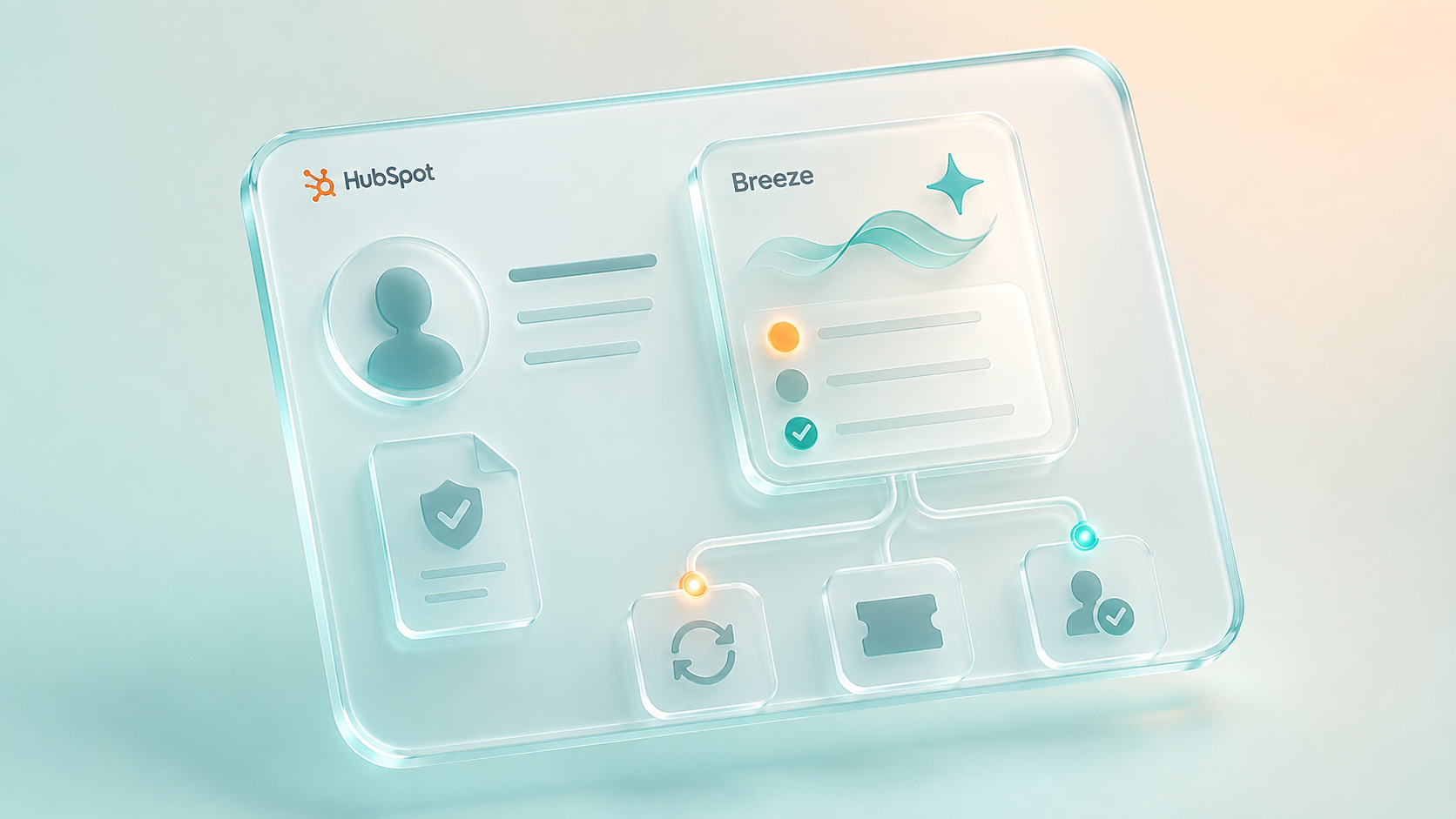
HubSpot now offers an official connector for ChatGPT.
That matters because many users no longer need to manually paste CRM data into ChatGPT to ask useful questions. The connector can bring HubSpot context into ChatGPT for analysis, chat, and research.
The important boundary is that teams should not assume every action is available or appropriate.
HubSpot's public documentation and marketplace materials describe CRM-context access, permission alignment, sensitive-data exclusions, and, in newer setup guidance, create/update actions that may ask users to confirm proposed changes before they are made. That means the first implementation step is practical: check what your account, connector version, permissions, and object access actually support.
The connector can help answer questions like:
- What are the recent activities on this account?
- Which open deals need attention?
- What tickets are associated with this company?
- What should I know before a meeting?
- Which contacts are related to this opportunity?
Where supported, it may also help propose or carry out certain HubSpot actions after user confirmation.
That is still different from enterprise workflow automation.
If a workflow needs approvals, field validation, multi-system sync, redaction, exception handling, or regulated review, the architecture needs a governed action layer outside the individual chat interaction.
Why CRM Context Is Still Valuable
Even when no record is updated, CRM-aware ChatGPT can be useful. In many organizations, context and analysis are the safest place to start.
A ChatGPT and HubSpot workflow can help users:
- Prepare for sales or service calls
- Summarize account history
- Find patterns in tickets or deals
- Draft internal notes from CRM context
- Identify stale records or missing follow-ups
- Create first-pass analysis for managers
When the work is limited to analysis or drafting, the risk is lower than automated writeback. That makes it useful for business-user exploration.
The limitation is operationalization. A connector can help a person understand the work or propose next steps. It does not replace the workflow architecture needed for repeatable, governed operations.
Decision Table: ChatGPT Connector, OpenAI API, Or Middleware?
| Need | Best-fit pattern | Why |
|---|---|---|
| Ask questions about HubSpot records in chat | HubSpot connector for ChatGPT | Useful for everyday CRM analysis when permissions and object support fit. |
| Propose or perform a simple supported CRM update | HubSpot connector, if enabled and confirmed by the user | Practical for low-risk actions, but the team should confirm audit behavior and permissions. |
| Generate summaries inside a repeatable workflow | OpenAI API plus HubSpot workflow or middleware | Better when the process should run consistently from a trigger. |
| Update regulated or sensitive CRM fields | Middleware plus human approval | Keeps validation, approvals, and logs outside the model conversation. |
| Use private knowledge or core-system context | Retrieval plus middleware | Prevents uncontrolled data exposure and keeps source-of-truth boundaries clear. |
| Coordinate several systems | Custom orchestration | Needed for retries, transformations, multi-system writes, and exception handling. |
When You Need The OpenAI API
The OpenAI API becomes relevant when the workflow needs to be embedded into a business process instead of used as a one-off chat.
Examples:
- Generate a renewal prep summary when a deal reaches a certain stage.
- Classify tickets and recommend routing.
- Draft an internal handoff when sales converts to service.
- Extract structured next steps from call notes.
- Compare a CRM record against approved internal guidance.
- Suggest CRM cleanup actions for human review.
In these cases, the model is one component. The application or workflow decides what context to send, which tools are allowed, when to request approval, and what to write back.
That is the difference between "using ChatGPT" and building AI-enabled CRM infrastructure.
Where MCP Fits
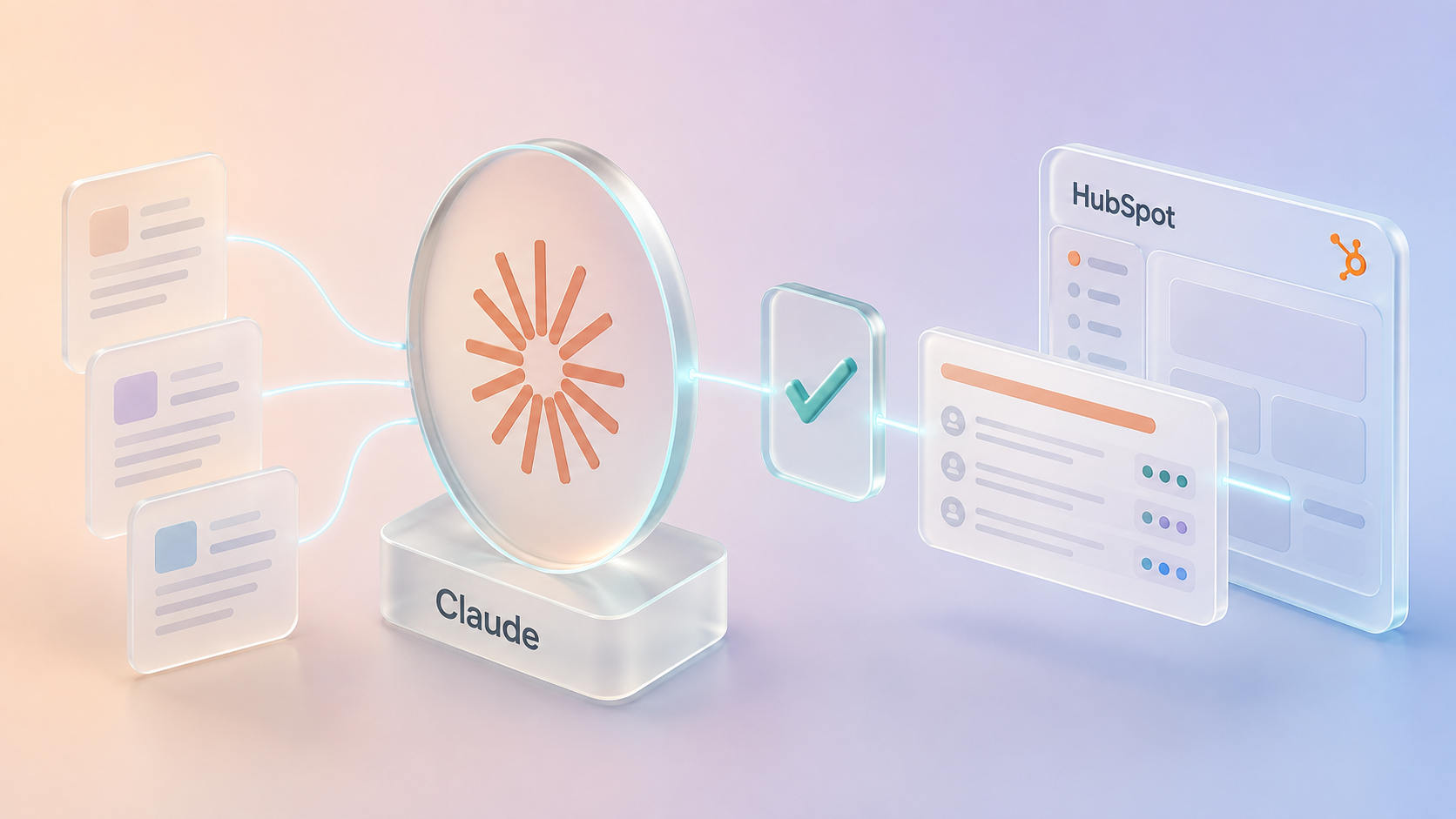
MCP gives AI systems a structured way to access external tools and data.
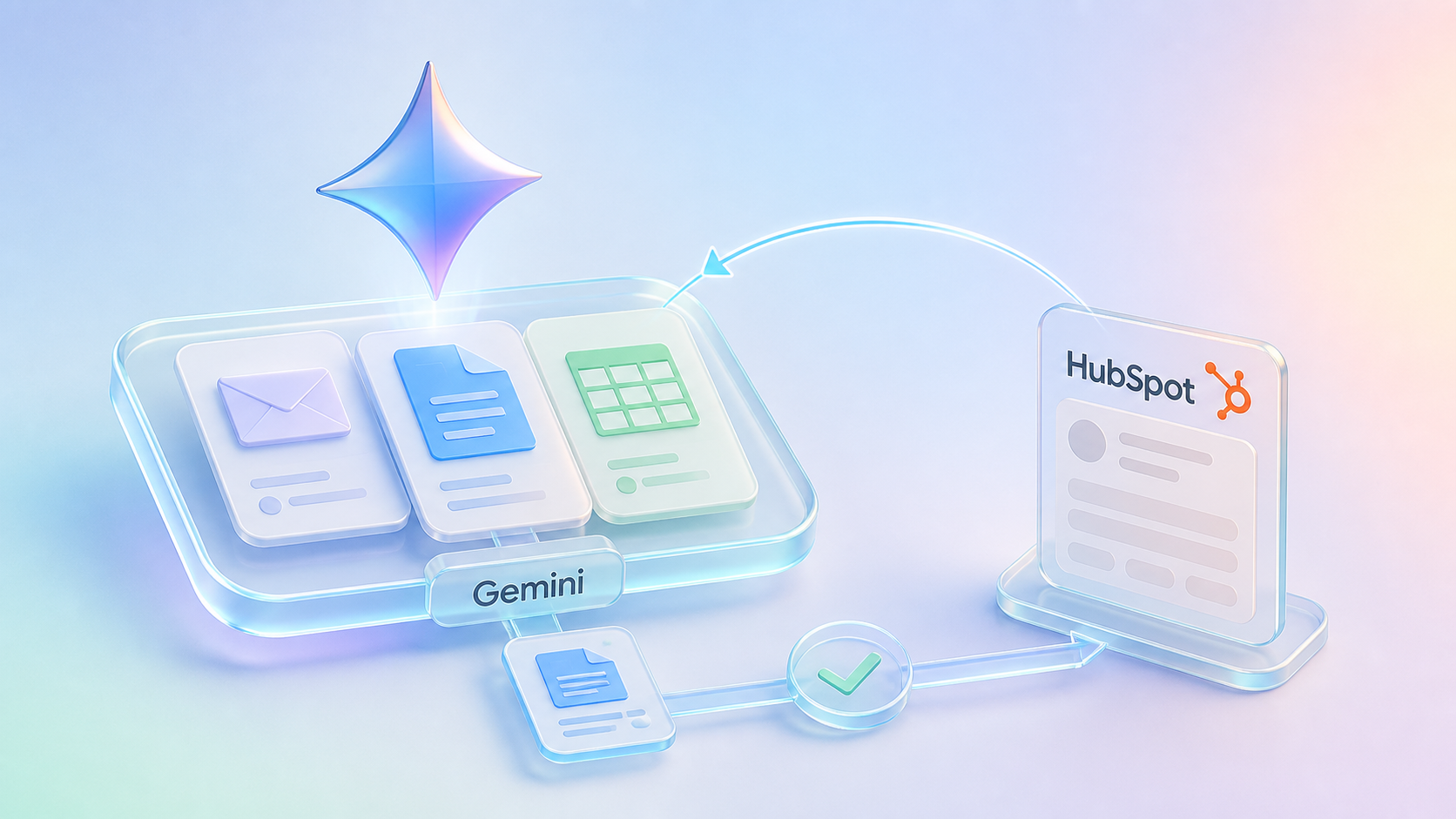
HubSpot's Remote MCP Server can expose supported HubSpot data and actions to compatible AI clients through authenticated access. OpenAI's platform also supports remote MCP tools in model workflows.
This opens useful possibilities:
- AI can retrieve HubSpot context without a brittle custom integration for every object.
- Tool access can be scoped and described.
- Workflows can separate data lookup from final action.
- Middleware can sit between the model and sensitive systems.
But MCP is not a substitute for governance.
Teams still need to decide:
- Which tools should be available?
- Which records can be accessed?
- Which actions require approval?
- What data should be redacted?
- What should be logged?
- What happens if the model calls the wrong tool?
- Who owns the integration after launch?
MCP gives the model a doorway. Architecture decides where that doorway should lead.
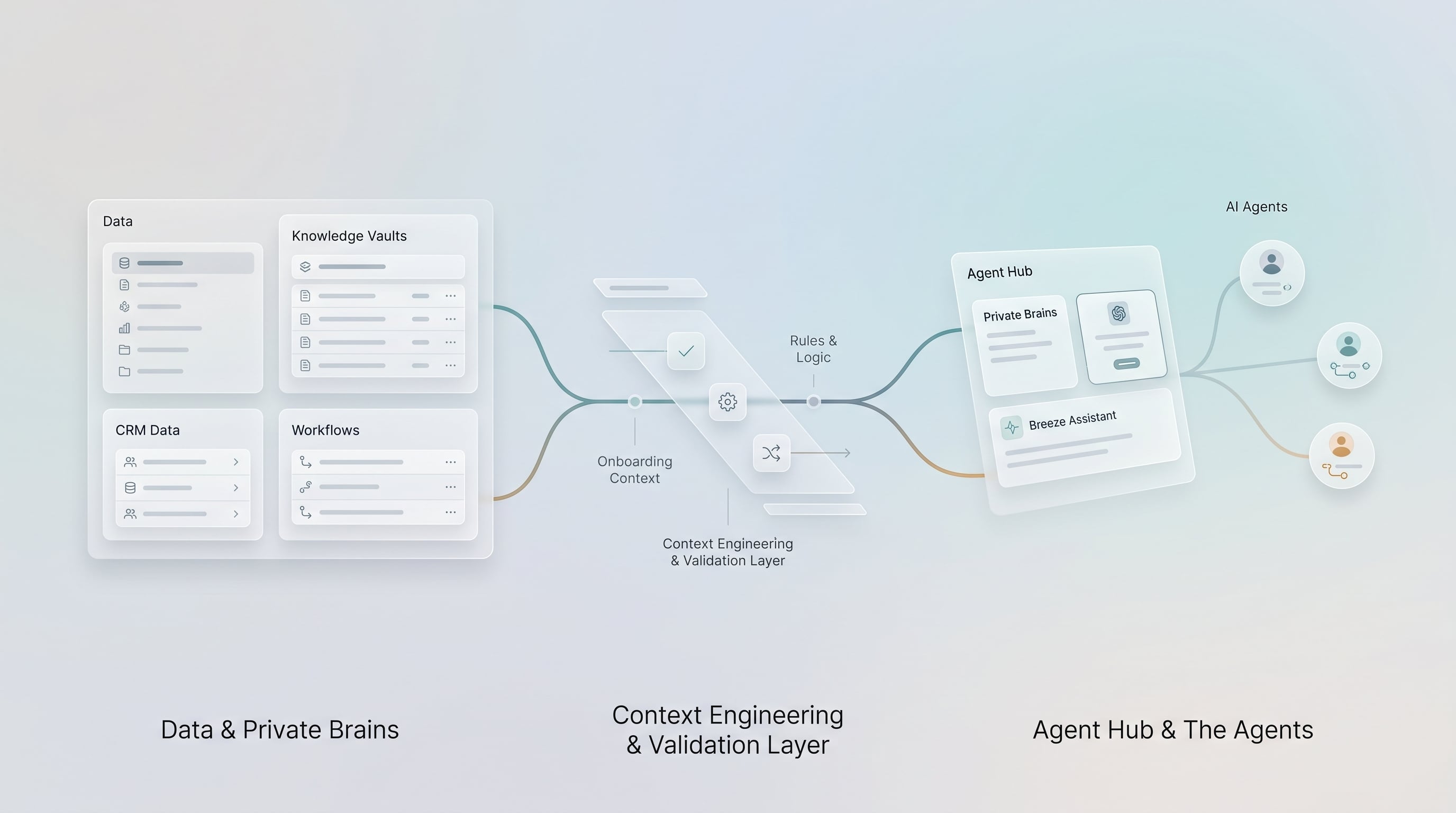
Buildable Architecture Pattern
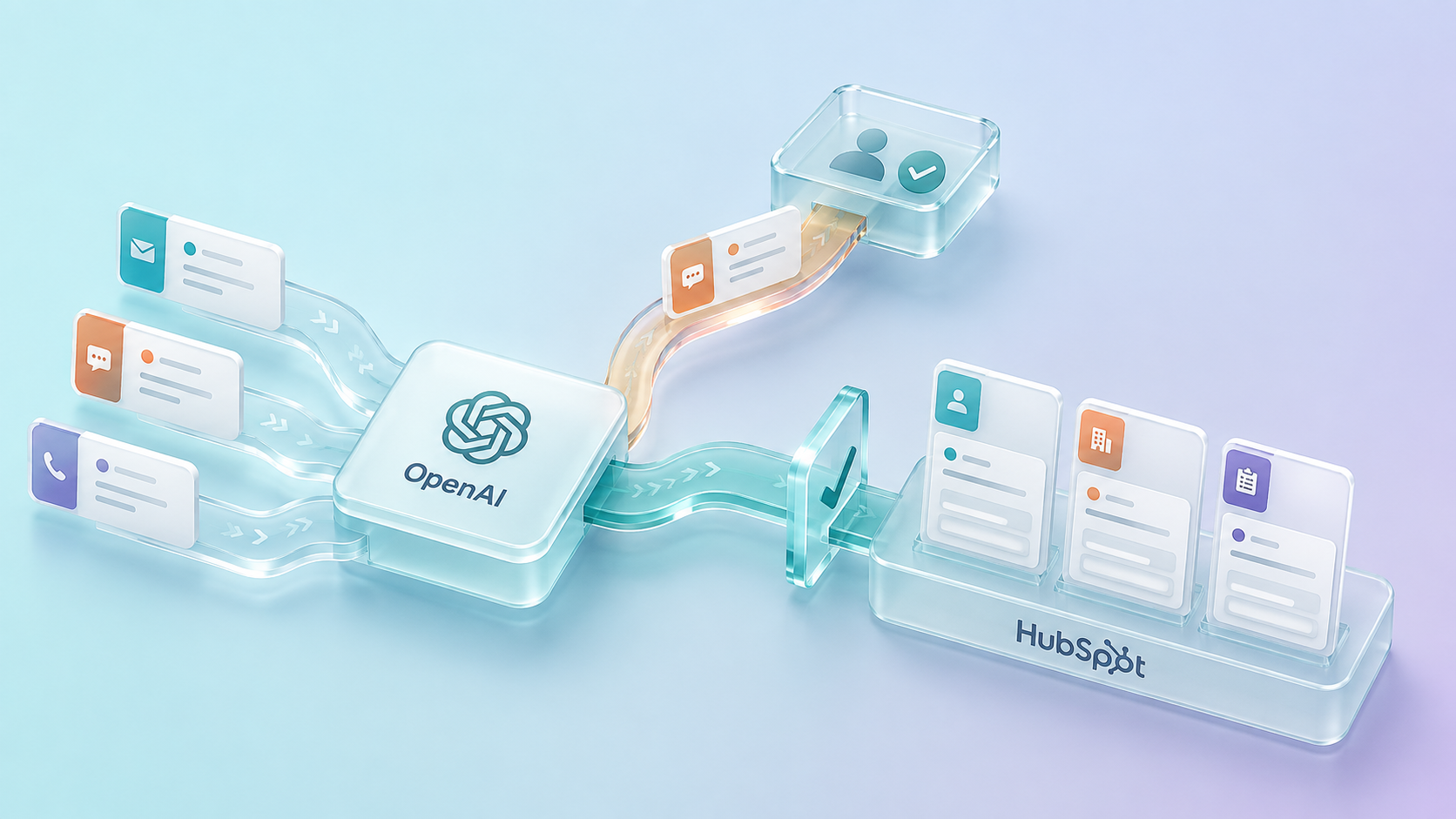
This pattern is intentionally boring in the right places. The model helps with language and reasoning. The workflow controls the business action.
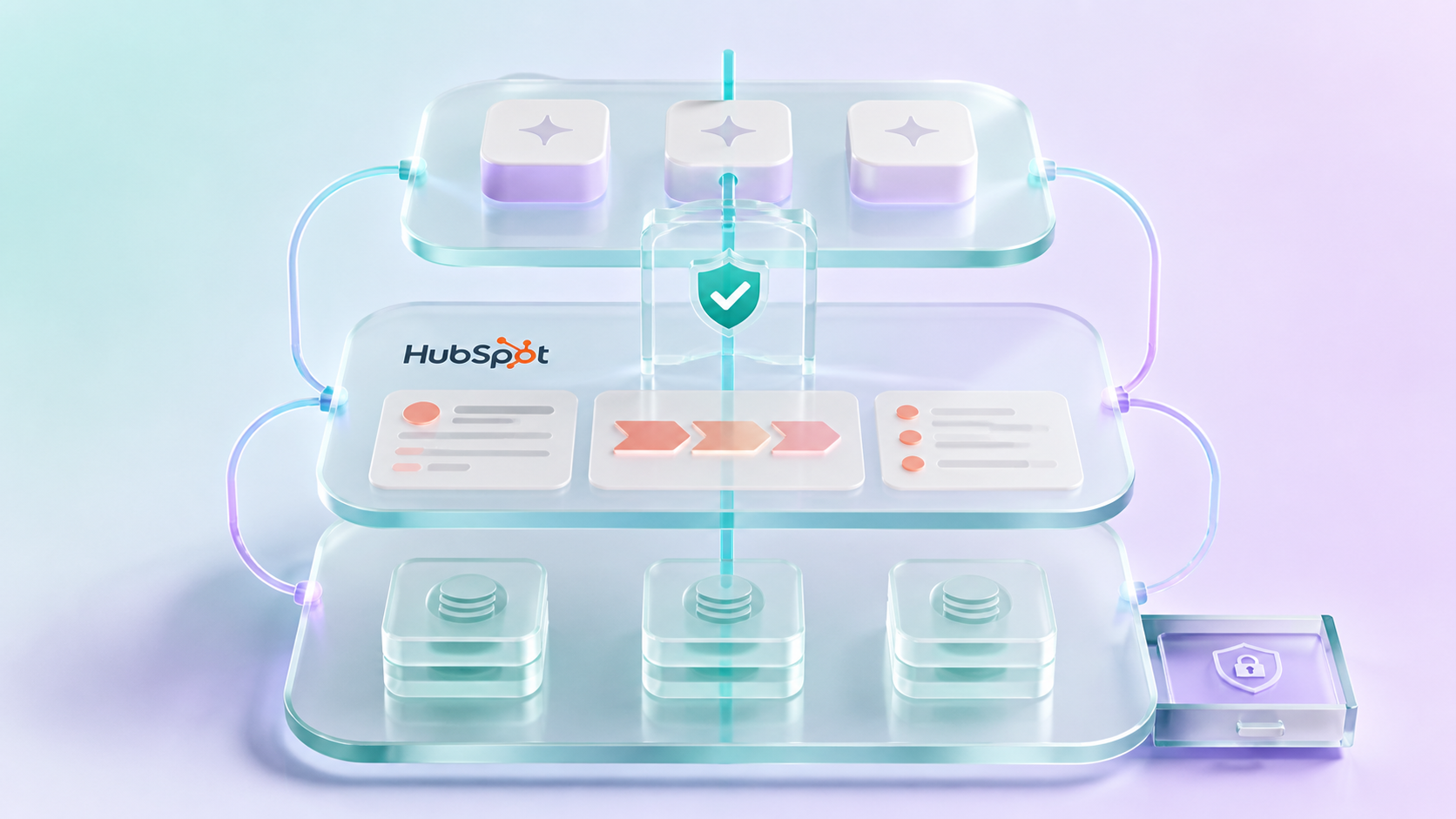
The Secure Writeback Pattern
For CRM automation, the safest pattern is usually not "ChatGPT updates everything directly."
A better pattern is:
- HubSpot triggers or provides the workflow context.
- Middleware gathers approved HubSpot and external data.
- OpenAI generates a summary, classification, draft, or recommendation.
- A human approves if the action is sensitive or customer-impacting.
- Middleware validates fields, applies business rules, and writes back through HubSpot APIs.
- The workflow logs input, output, approval, final action, and timestamp.
This pattern lets AI help with judgment while workflows control execution.
Financial Services Examples
For financial services teams, the strongest use cases are usually controlled assistance rather than unsupervised automation.
Account Or Relationship Prep
ChatGPT can summarize HubSpot activity, open tickets, recent notes, and next steps before a relationship manager, advisor, banker, producer, or account manager speaks with a client.
If the workflow includes sensitive internal documents or account data, that context should be retrieved through approved systems and redacted as needed.
Ticket Triage
OpenAI can classify service tickets and suggest next steps. The workflow can route low-risk items automatically while sending sensitive categories to human review.
Sales-To-Service Handoff
When a deal closes, AI can draft a handoff summary for the service or implementation team. The handoff can include agreed scope, important contacts, open risks, promised timelines, and missing details.
CRM Data Quality Assistance
AI can review records and suggest cleanup actions, such as missing associations, inconsistent lifecycle stages, or stale follow-up tasks. A user or data steward should approve bulk changes before execution.
Complaint Or Risk Flagging
AI can flag language that may indicate an escalation or complaint, but the final classification should belong to a human-controlled workflow.
Example: Banking Relationship Prep With ChatGPT And HubSpot
A practical workflow for a bank or credit union could work like this:
- A relationship manager asks ChatGPT for a HubSpot-based prep summary before a customer meeting.
- The connector retrieves only the HubSpot records the user is allowed to access.
- ChatGPT summarizes recent CRM activity, open deals, tickets, and follow-up tasks.
- The user asks for a draft agenda and questions.
- If a task or note should be created, the user reviews the proposed change before it is written.
- If the workflow needs account, loan, or transaction context from core systems, middleware retrieves only approved summary signals and logs the access.
That is a reasonable path because it starts with CRM context and human review. It does not pretend ChatGPT should have broad unsupervised access to core banking systems.
What To Avoid
Avoid patterns that create hidden operational risk:
- Pasting sensitive CRM data into unmanaged prompts
- Allowing broad writeback without approval
- Letting AI update regulated fields without validation
- Treating connector access as a full automation architecture
- Mixing private retrieval and model memory without clear rules
- Logging sensitive data into unrestricted workflow histories
- Building one-off automations without ownership
The problem is rarely the model alone. The problem is uncontrolled context and uncontrolled action.
The Buyer Question
The useful buyer question is:
Where should ChatGPT help a human think, and where should a governed workflow control the action?
That question leads to better design.
Use ChatGPT for:
- Summarization
- Exploration
- Drafting
- Preparation
- Analysis
- Structured recommendations
Use workflows and APIs for:
- Validation
- Routing
- Approval
- Retry logic
- CRM updates
- Core-system updates
- Audit trails
Final Takeaway
ChatGPT and OpenAI can make HubSpot workflows faster and more useful, but only when the architecture respects the difference between context, reasoning, and action.
The official ChatGPT connector helps business users work with HubSpot context and, where enabled, supported actions. Secure CRM automation needs more: governed data access, private retrieval where needed, human approval, middleware, and controlled writeback.
That is how HubSpot teams move from individual AI productivity to production AI workflows.
Practical Next Step
Before publishing a ChatGPT and HubSpot workflow internally, test the exact connector permissions and available actions in a sandbox or low-risk record first. Document what ChatGPT can read, what it can propose, what it can change, and what requires a separate approval workflow.