Table of contents
As AI systems become better at reasoning, retrieving information, and taking actions through tools, a broader question is emerging around CRM: if AI can coordinate more of the work, do companies still need a traditional CRM?
In financial services and other operationally complex environments, the answer is usually yes. A CRM is not just a database or a user interface. It is shared operating context for customer relationships, permissions, ownership, workflow state, approvals, and audit history. Replacing it means rebuilding those controls as well as the screens.
The more useful question is what role the CRM should play in an AI-native operating model:
What kind of CRM foundation do we need before humans, workflows, and AI agents can safely act on customer data?
This article examines a HubSpot-centered answer. HubSpot can serve as the governed customer workflow and execution layer where humans, automations, and approved agents coordinate work across CRM data, core systems, private knowledge, and governed actions. It does not need to own every document or system-of-record fact, and it should not be treated as the whole architecture.
Short Answer
An AI-native HubSpot stack gives each part of the system a defined job: HubSpot coordinates CRM work, Breeze provides in-HubSpot assistance, MCP exposes approved tools, private retrieval supplies source-backed knowledge, and external orchestration is added only when the workflow needs cross-system coordination or controls that HubSpot cannot provide alone.
For regulated teams, the goal is not autonomous AI everywhere. The goal is controlled assistance where AI can summarize, classify, recommend, draft, route, and prepare work while humans and deterministic workflows control sensitive updates.
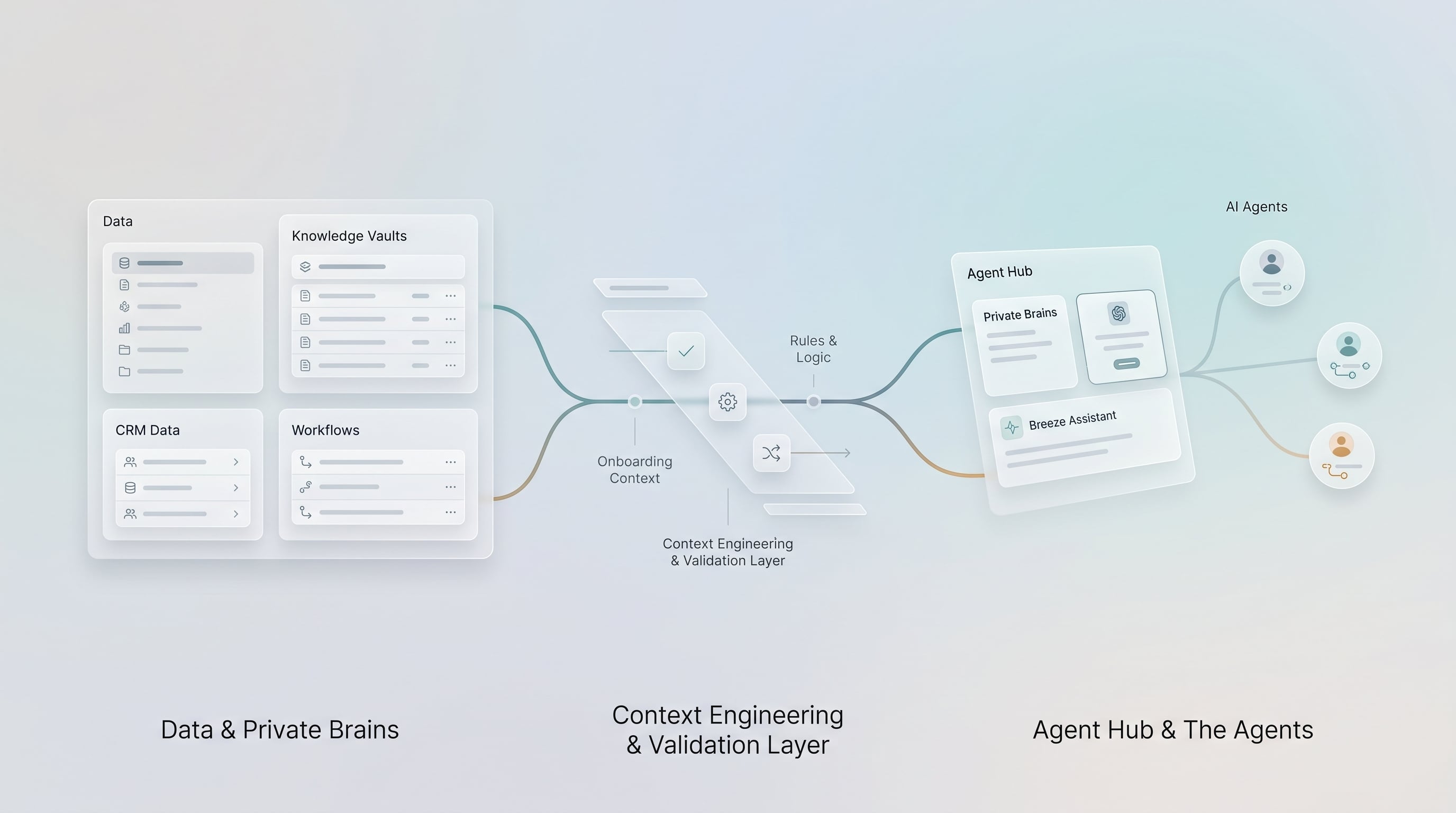
Architecture At A Glance
This is the system and workflow architecture behind an AI-assisted CRM process. It is not a required software stack, and it is not a description of how this article is organized.
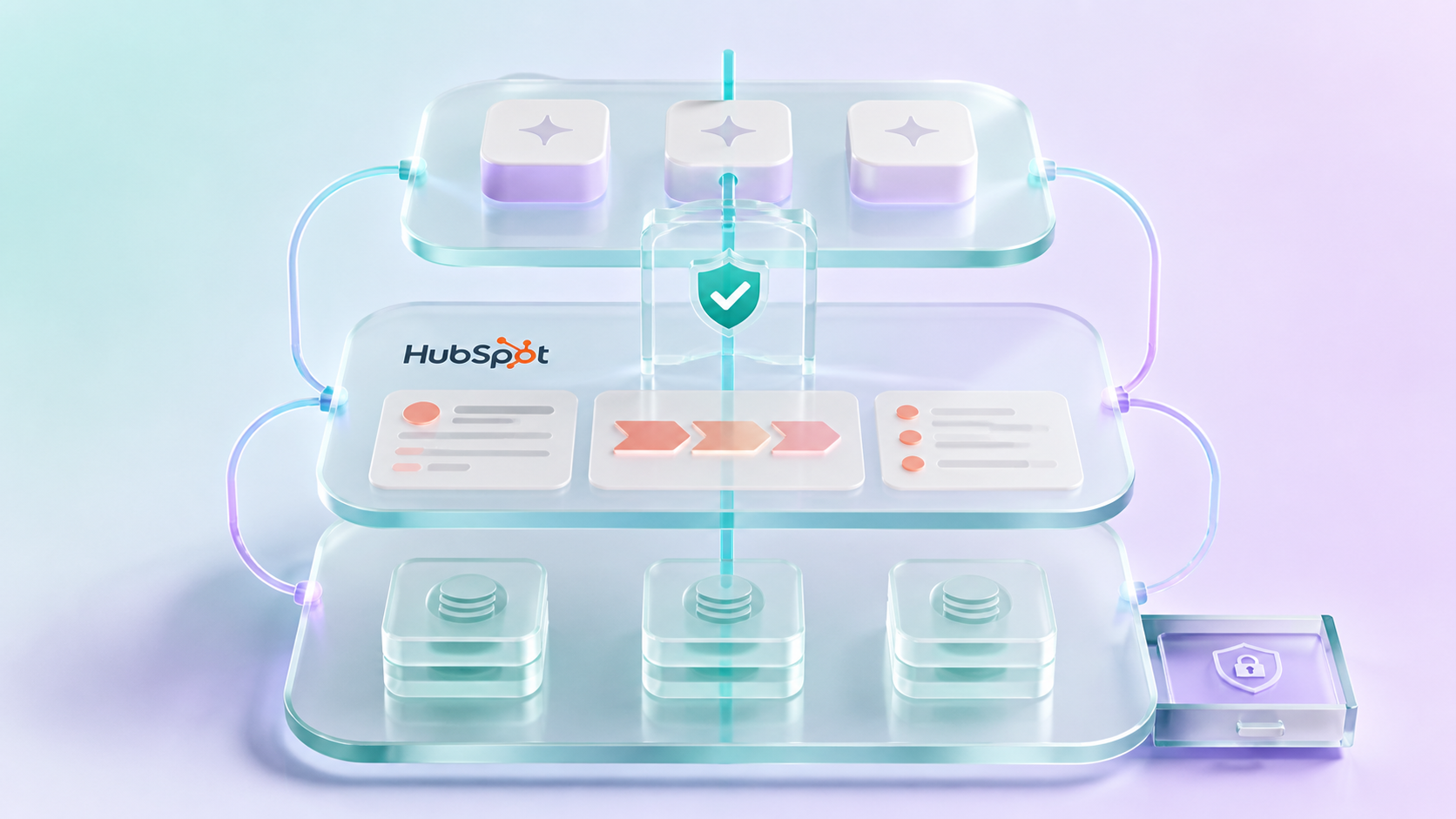
Start with HubSpot's own governance layer when the work stays inside HubSpot:
This pattern is often enough when the workflow uses supported HubSpot data and actions, the account permissions are appropriate, and the process does not need complex external retrieval or multi-system coordination.
Add middleware or external orchestration only when HubSpot alone cannot reasonably provide the required control:
In this article, “governed middleware” means a controlled integration or workflow layer such as n8n, Workato, Make, cloud functions, or a custom API service. Its purpose is to coordinate work across system boundaries or add controls that HubSpot does not provide alone. It is not automatically required, and it should not be added just to make the architecture look more sophisticated.
The HubSpot-first rule
Use HubSpot as the first governance layer when it can own the workflow. Add middleware when the process needs:
- Calls to external or core systems
- Private retrieval from documents or knowledge stores
- Redaction or transformation before data reaches a model
- Complex validation or business rules
- Retries and exception handling across services
- Multi-system writeback
- Centralized approval or audit controls beyond what the HubSpot workflow can capture
The goal is to put each control in the simplest layer that can actually enforce it. The AI should not be the only thing deciding what data is accessed, what action is taken, or what gets written back.
What To Verify Before Building
Before building an AI-native HubSpot workflow, verify:
- Whether HubSpot permissions, teams, workflows, custom code actions, and available audit history are sufficient for the use case without an external middleware layer.
- Which HubSpot MCP, connector, API, or workflow actions are available in the actual account.
- Whether Sensitive Data settings block activity, conversation, or property access for the chosen path.
- Which system owns the source of truth for policy, account, loan, portfolio, billing, or operational data.
- Whether the model is only summarizing and recommending, or whether the workflow will create or update records.
- Which actions require human approval.
- Where the audit record will live, whether in HubSpot or across the systems involved.
- How the workflow will be tested with low-risk records before production use.
This is the part many teams skip. It is also the part that makes the AI workflow safe enough to use.
Why HubSpot Becomes More Important In An AI Workflow
AI makes weak CRM foundations more obvious.
If contact records are stale, deal stages are inconsistent, renewal dates live in spreadsheets, service issues are buried in email, and internal policy documents are disconnected from customer workflows, an AI assistant does not solve the problem. It just gives the mess a friendlier interface.
That is why CRM architecture matters more in the AI era, not less.
HubSpot can provide the customer-facing operating layer:
- Relationship and activity context
- Companies, contacts, deals, tickets, tasks, notes, calls, emails, and meetings
- Sales, service, and marketing workflows
- Lists, segmentation, lifecycle stages, and routing rules
- The user interface where operators already work
- The permission model that governs what users can see and do
For many teams, especially in financial services, HubSpot is not the system of record for every business process. A bank may still rely on core banking, LOS, servicing, and digital banking systems. An insurance organization may rely on Applied Epic, Guidewire, AMS360, policy, claims, and billing platforms. A wealth firm may rely on Redtail, custodial systems, planning tools, portfolio systems, and compliance archives.
HubSpot's role is different.
HubSpot becomes the engagement, coordination, and workflow layer around those systems. It is where the relationship context and next action come together.
That makes it a natural place for AI-assisted work. But only if the surrounding architecture is disciplined.
The Core Layers And Optional Extensions
A secure agentic CRM architecture has six responsibilities. Some can be handled natively in HubSpot; others are added only when the use case requires them.
1. HubSpot As The CRM Execution Layer
HubSpot is where the team sees customer context and acts on it.
In practical terms, this means HubSpot should hold the records and workflow context that sales, service, marketing, account management, and operations teams need to do their jobs. It may not own the policy, account, portfolio, or loan record, but it should reflect the parts of those systems that matter for engagement and workflow.
Examples:
- A service ticket is created when an account issue needs follow-up.
- A renewal deal is created when a policy or contract is entering a renewal window.
- A company record shows relationship status, lifecycle stage, risk indicators, and owner.
- A workflow routes a high-priority issue for human review.
- An approved action writes a structured note, creates a task, or updates a lifecycle field.
This layer needs clean object definitions, reliable associations, lifecycle standards, and a clear model for what HubSpot is allowed to own.
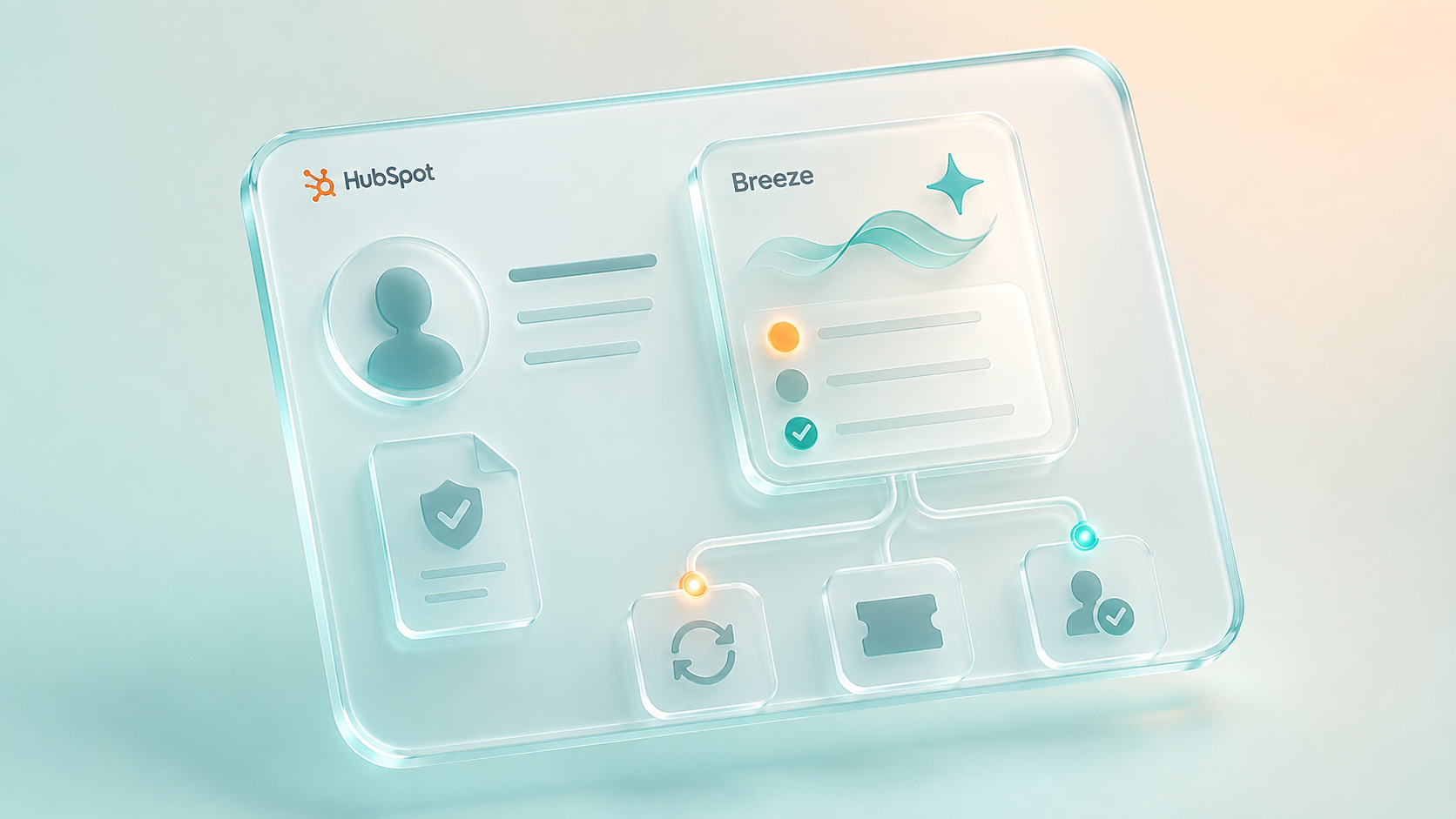
2. Breeze Agents As The In-HubSpot Agent Surface
Breeze agents matter because they keep the operator inside HubSpot.
That is an important design point. For many CRM workflows, the best AI experience is not a separate chat tool. It is assistance inside the place where the work is already happening.
A Breeze agent can help summarize records, prepare follow-ups, classify service requests, assist with research, or guide a user through a process. With HubSpot's MCP Client and custom agent tools, Breeze agents can also access approved external systems when the workflow needs context outside HubSpot.
For financial services, this creates useful patterns:
- Renewal summary before an advisor or producer calls a client
- Ticket triage with escalation recommendations
- Complaint or service-risk classification
- Advisor prep using CRM activity plus approved internal knowledge
- Policy, account, or product context fetched through narrow governed tools
- Human-reviewed updates back into HubSpot after a recommendation is accepted
Breeze should not be positioned as magic automation. It should be positioned as a controlled agent surface connected to well-designed tools and workflows.
3. MCP As The Tool-Access Pattern
MCP, or Model Context Protocol, gives AI systems a structured way to access tools and data. In the HubSpot ecosystem, there are multiple MCP-related surfaces, and they should not be blurred together.
The Remote HubSpot MCP Server allows compatible AI tools to connect to HubSpot through OAuth and interact with supported HubSpot CRM and content data. HubSpot also has a Developer MCP Server for local developer workflows. Separately, HubSpot MCP Client can allow Breeze agents to connect to external MCP servers.
The distinction matters:
- HubSpot MCP Server: external AI tools can access supported HubSpot data and actions.
- HubSpot MCP Client: Breeze agents can access approved external tools and systems.
- Developer MCP Server: developers can work with HubSpot's developer platform locally.
MCP is useful, but it is not a governance strategy by itself.
It does not automatically decide what should be exposed, what should be redacted, when a human should approve an action, how retries should work, or how to log the result. Those decisions belong in the architecture.
4. Private Retrieval For Knowledge HubSpot Should Not Own
Not all knowledge belongs in HubSpot.
Financial services teams often need AI workflows to reference private documents, procedures, playbooks, product rules, underwriting guidelines, policy language, meeting transcripts, support histories, or compliance-approved content. Some of that knowledge may be too large, too sensitive, too fluid, or too system-specific to store directly in CRM fields.
This is where private retrieval comes in.
A retrieval layer can index approved private knowledge and return relevant passages to an AI workflow when needed. Tools such as Weaviate, Azure AI Search, OpenSearch, or other vector and hybrid search systems can support this layer, depending on the organization's platform choices.
The key is not "vector search." The key is controlled knowledge access.
For regulated teams, private retrieval should answer questions like:
- Which documents can this workflow access?
- Are permissions inherited from the user, the team, the object, or the use case?
- Are sensitive details redacted before they reach the model?
- Is the source document captured in the output?
- Can the user verify the underlying evidence?
- Is the retrieval event logged?
Retrieval is not memory. Retrieval finds relevant source material. Memory persists user, account, or workflow context over time. They solve different problems and should be designed separately.
5. Native Workflow Control, With Orchestration When Needed
AI should not be responsible for every step in the workflow.
Models are good at reasoning across messy context, summarizing, classifying, drafting, and suggesting. Workflows are better at routing, approvals, idempotency, retries, rate limits, system updates, notifications, and logs.
HubSpot workflows and custom code actions can handle many deterministic steps when the process stays inside HubSpot. Add external orchestration only when the workflow crosses system boundaries or needs controls that HubSpot cannot reasonably provide by itself.
Tools such as n8n, Workato, Make, custom middleware, cloud functions, or enterprise integration platforms can act as the deterministic spine around AI. The exact tool matters less than the architecture.
A well-designed cross-system AI CRM workflow might look like this:
- A ticket, deal, or renewal event is triggered in HubSpot.
- Middleware gathers allowed CRM context and related system data.
- A retrieval layer fetches approved knowledge.
- An AI model summarizes, classifies, or recommends.
- A human reviews the recommendation if risk requires it.
- Middleware writes the approved update back to HubSpot or another system.
- The workflow logs what happened, who approved it, and what sources were used.
The model helps with judgment. The workflow controls execution.
6. Governance, Approval, And Auditability
In regulated environments, human approval is not a nice-to-have. It is part of the product design.
This does not mean every AI-assisted step needs approval. It means the workflow should distinguish between low-risk assistance and higher-risk action.
Low-risk examples may include:
- Summarizing public company information
- Drafting a follow-up email for human review
- Grouping service tickets by topic
- Creating an internal prep note from approved data
Higher-risk examples may include:
- Updating customer risk status
- Changing financial or policy-related fields
- Sending customer-facing communications
- Escalating a complaint or compliance event
- Pulling sensitive internal records into a model context
- Writing back to a core system
For those workflows, the architecture should capture:
- Who initiated the workflow
- What data was accessed
- What the model recommended
- What sources were used
- Who approved or rejected the action
- What was written back
- When the action happened
- Which version of the workflow or prompt was used
This is where many AI CRM demos fall apart. They show the model doing work, but they do not show the control layer around the work.
Where Claude, ChatGPT, Gemini, And Breeze Fit
Different AI tools should play different roles.
Breeze agents are strongest when the operator should stay inside HubSpot. That makes them useful for CRM-native workflows such as ticket triage, record summaries, agent-assisted follow-up, and task support.
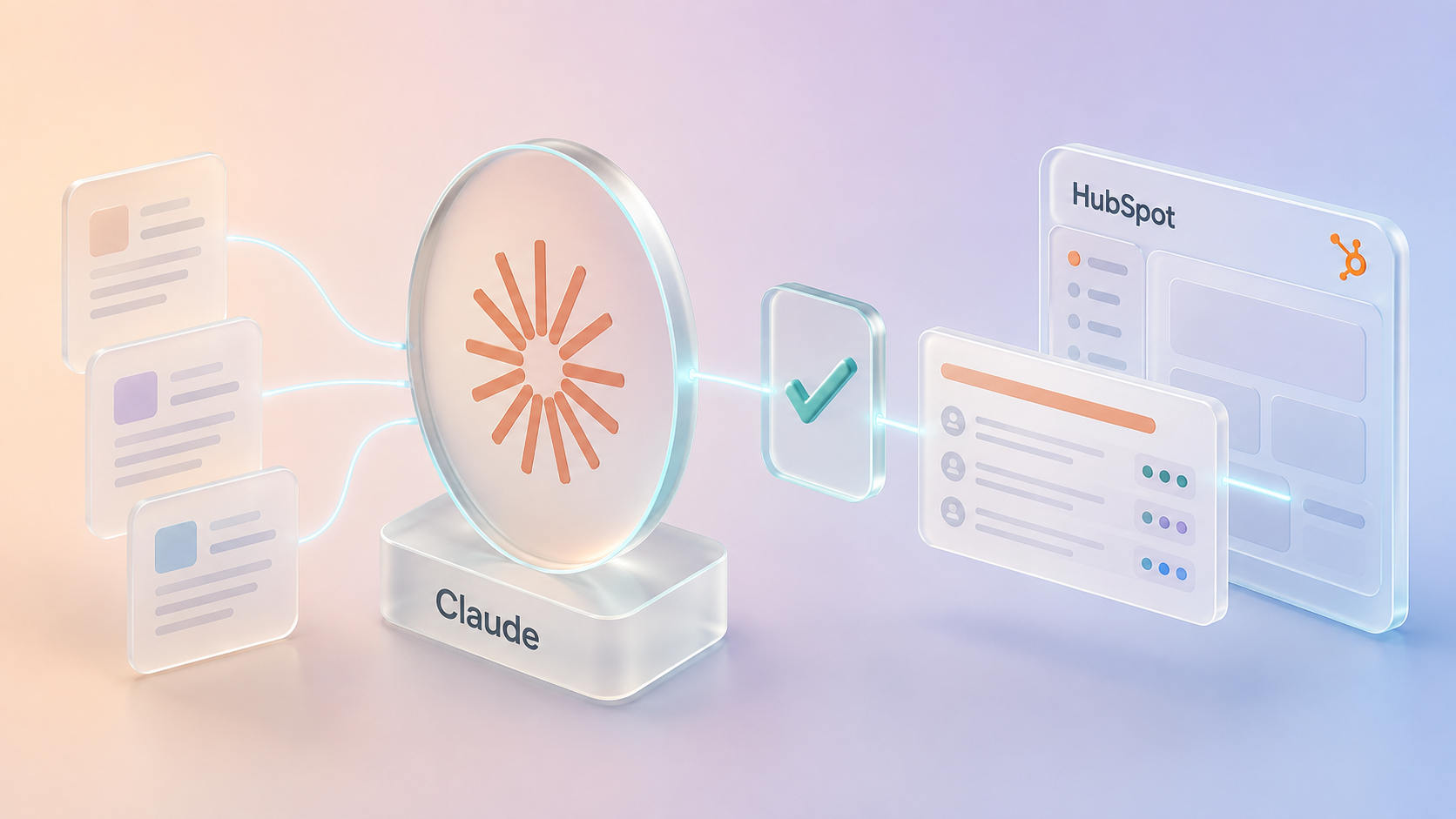
Claude can be useful as an external reasoning and analysis layer, especially for complex synthesis, policy review, research, or supervised workflows where the user wants a richer assistant experience outside HubSpot.
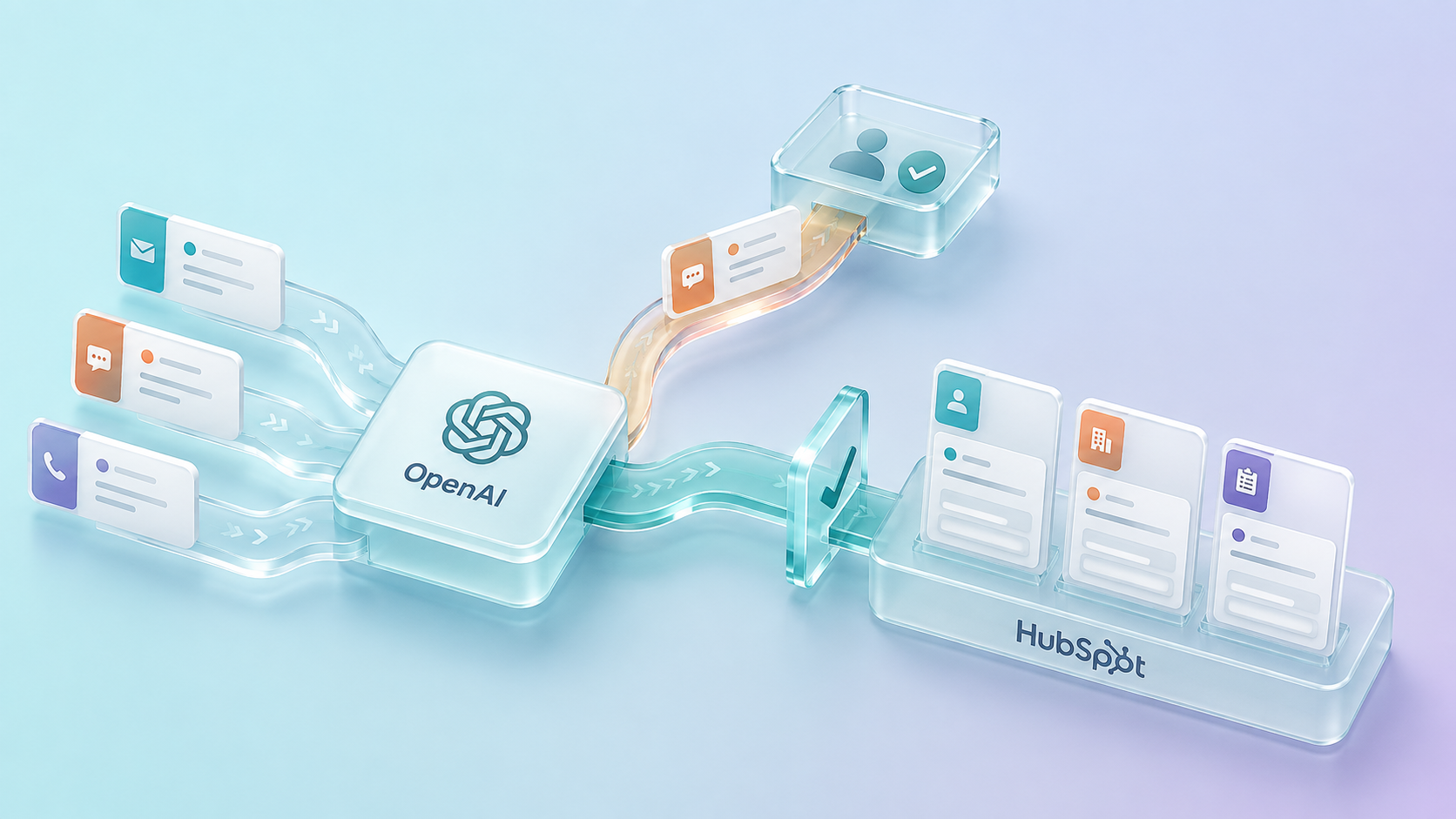
ChatGPT and the OpenAI API can be useful for business-user analysis, internal tools, and custom workflow applications. The official HubSpot connector for ChatGPT should be treated as account- and permission-dependent: confirm which objects and actions are enabled before designing around it. For regulated workflows, custom API, MCP, or middleware patterns are still useful when the business needs approval logic, validation, and audit control beyond an individual chat interaction.
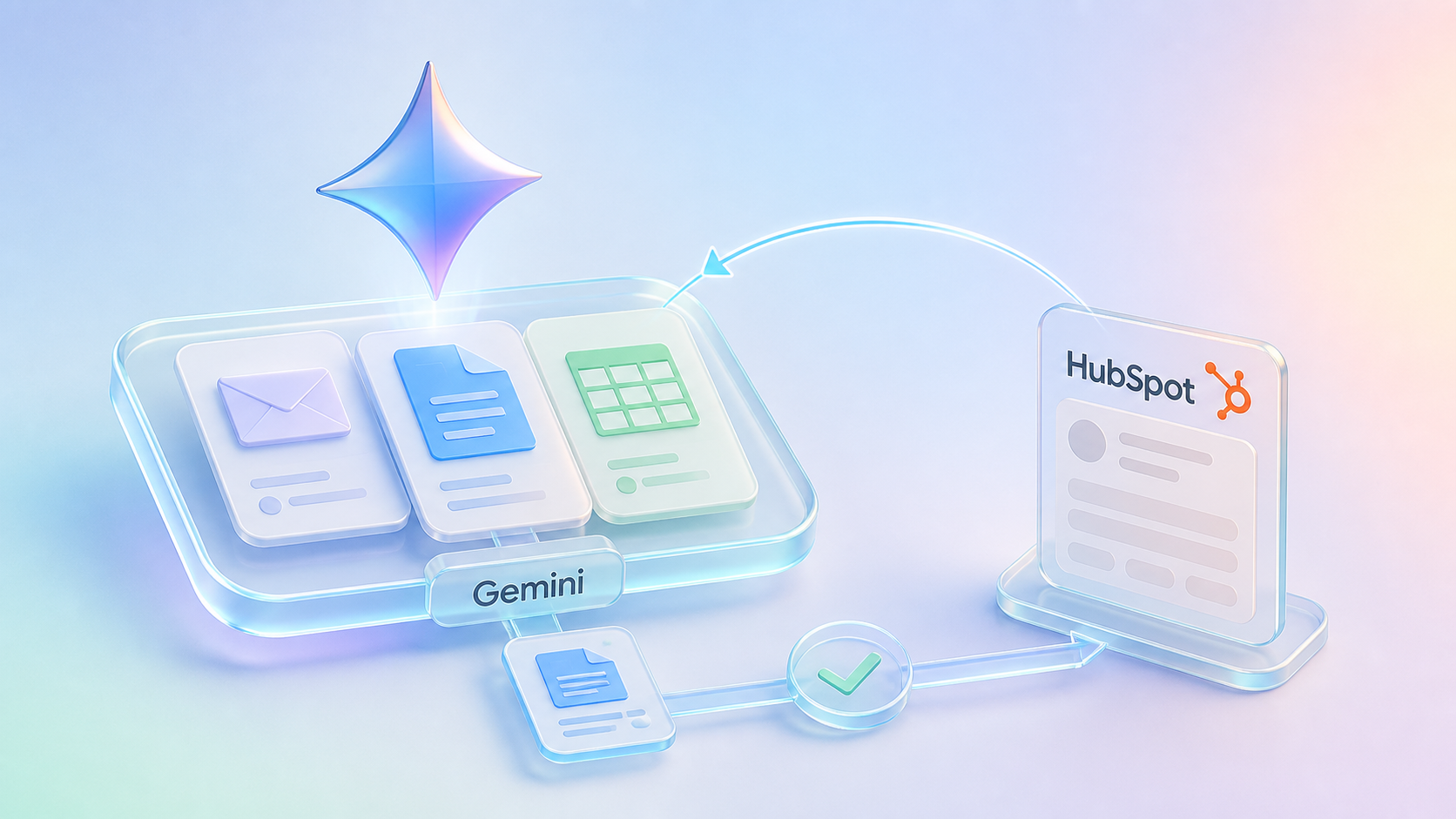
Gemini is strongest where the work already lives in Google Workspace. It can help users reason across Gmail, Docs, Sheets, and HubSpot context, but CRM writeback should be handled through HubSpot permissions and workflows or another governed integration path rather than assumed from the end-user connector. External middleware is only needed when the workflow requires capabilities beyond HubSpot's native controls.
The important thing is not choosing one AI platform for everything. The important thing is assigning the right role to each system.
Decision Table: Which Layer Should Own What?
| Need | Best-fit layer | Why |
|---|---|---|
| Sales, service, marketing, and relationship workflow | HubSpot | This is where customer-facing teams can see records, work tasks, and coordinate action. |
| In-HubSpot AI assistance | Breeze agents | Best when users should stay inside HubSpot while AI summarizes, drafts, or recommends. |
| External reasoning and synthesis | Claude or ChatGPT/OpenAI | Useful when the work needs richer analysis, custom applications, or broader assistant workflows. |
| Google Workspace drafting and analysis | Gemini | Useful when CRM context needs to support Gmail, Docs, Sheets, or Chat work. |
| Private policies, procedures, or knowledge | Retrieval layer | Keeps approved knowledge source-backed without stuffing every document into CRM. |
| HubSpot-only approvals, validations, and action controls | HubSpot permissions and workflows | Keep governance close to the CRM when HubSpot can enforce the rule and record the outcome. |
| Cross-system approvals, retries, transformations, and logs | Middleware or orchestration, when needed | Add an external control layer when the workflow crosses boundaries or needs capabilities HubSpot cannot provide alone. |
| Policy, account, claims, portfolio, or billing truth | Core systems | CRM should coordinate around these systems, not casually replace them. |
What This Means For Financial Services Teams
Financial services teams do not need AI theater. They need workflows that survive contact with real operating constraints.
That means:
- CRM records that can be trusted
- Integrations that respect systems of record
- Private knowledge retrieval with source visibility
- Narrow tools instead of broad unrestricted access
- Human approval for sensitive actions
- Logging and auditability
- Clear separation between drafting, recommending, approving, and executing
This is where an AI-native HubSpot stack becomes valuable. It gives the organization a way to move from disconnected AI experiments to governed CRM workflows.
Financial Services Workflow Patterns
These are realistic starting points because they use AI for assistance while keeping sensitive action under workflow control.
| Workflow | What AI Can Do | What The Workflow Should Control |
|---|---|---|
| Insurance renewal prep | Summarize account history, recent tickets, renewal notes, and open tasks. | Pull policy truth from the right system, require review before client communication, and log the final summary. |
| Banking relationship prep | Summarize CRM activity, open referrals, service items, and next-best questions. | Avoid pulling unrestricted account data into the model and require approval for any CRM status changes. |
| Wealth advisor prep | Draft a meeting brief from CRM activity and approved planning context. | Keep custodial or portfolio truth in source systems and treat the brief as human-reviewed. |
| Complaint or escalation triage | Flag language that may indicate escalation risk and summarize evidence. | Preserve human classification, routing, and audit trail. |
| Sales-to-service handoff | Draft structured implementation or onboarding notes from deal context. | Validate required fields, assign owners, create tasks, and record handoff completion. |
The Practical Starting Point
The best starting point is not a massive AI transformation program.
Start with one workflow where HubSpot is already the place people work, the data needed for the workflow is known, and the risk level can be controlled.
Good candidates:
- Renewal prep for insurance, benefits, or wealth relationships
- Service ticket triage and escalation
- Complaint intake classification
- Advisor or producer meeting prep
- Sales-to-service handoff summaries
- Internal knowledge assistance for support teams
- CRM data cleanup recommendations with human approval
For each workflow, define:
- What HubSpot owns
- What the core system owns
- What the AI can read
- What the AI can recommend
- What the AI can write
- When a human must approve
- What must be logged
That is the beginning of a serious AI CRM architecture.
Final Takeaway
The future of CRM is not simply "AI connected to HubSpot."
The future is governed customer workflow infrastructure where HubSpot is the first governance layer, and core systems, private knowledge, external orchestration, and AI agents are added under clear authority boundaries when the workflow requires them.
For financial services and complex HubSpot teams, that is the real opportunity:
Build the CRM foundation your AI strategy depends on.
Practical Next Step
If your team is considering AI around HubSpot, start with an AI workflow readiness review. The goal is to identify one workflow where the data is known, the risk is bounded, the approval path is clear, and the HubSpot record model is strong enough for AI-assisted work.