Table of contents
Customer work rarely stays inside the CRM. A relationship manager may review Gmail before a client call, prepare notes in Docs, analyze account information in Sheets, and then return to HubSpot to record the next action.
For teams that already work heavily in Google Workspace, the practical question is how HubSpot context should support that work, and where CRM actions should remain controlled.
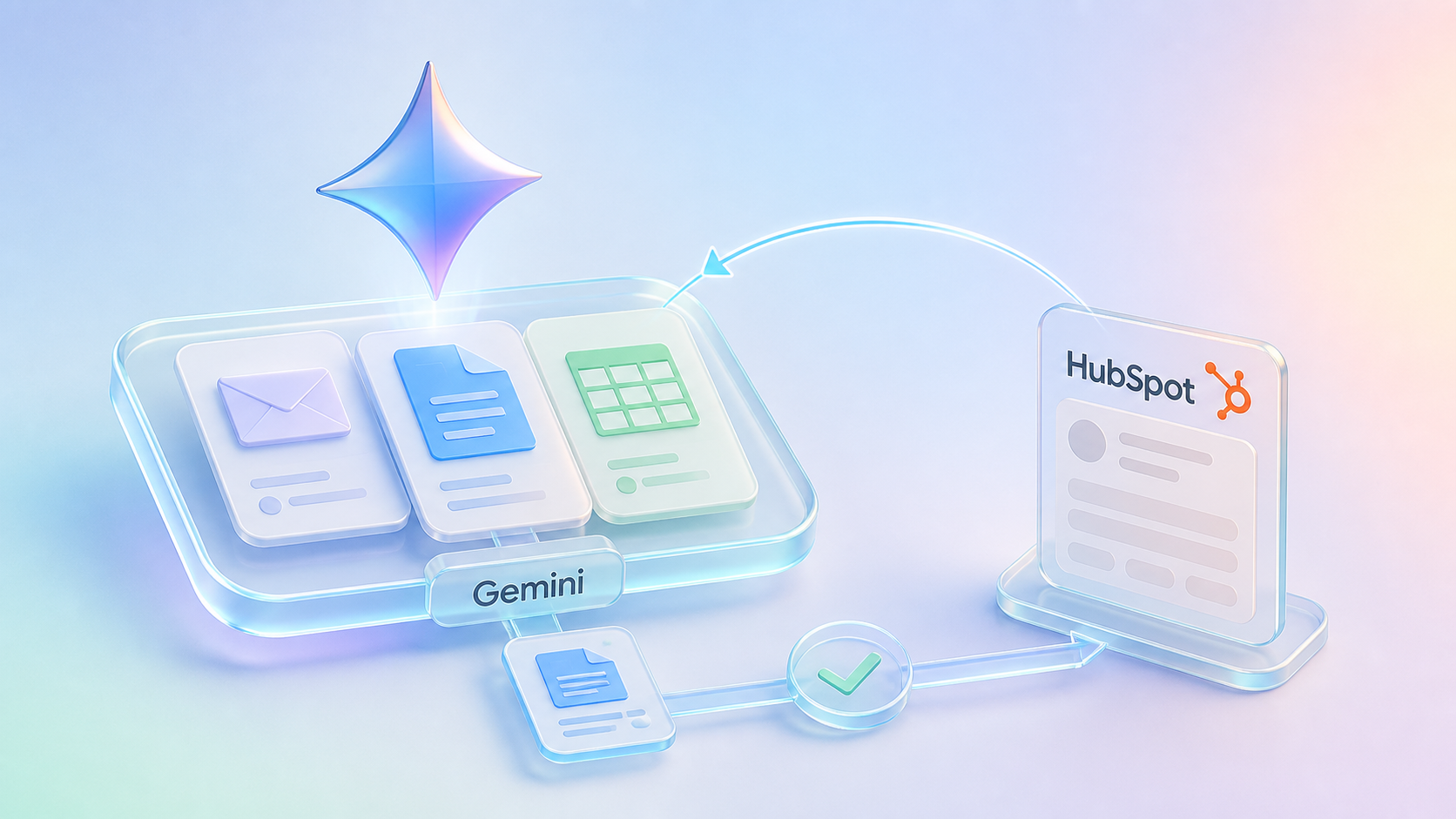
Gemini and HubSpot play different roles in that model. Gemini is the Workspace-side analysis and drafting surface; HubSpot remains the CRM and workflow layer. That is different from positioning Claude, ChatGPT/OpenAI, or Breeze as the primary surface for their respective workflows.
That distinction matters because customer work may begin in Workspace, while HubSpot remains the place where relationship context, ownership, and controlled next actions are maintained.
But there is an important boundary: the HubSpot connector for Gemini is read-only.
That means Gemini can help users understand and draft around CRM context, but governed writeback to HubSpot should be designed separately.
Short Answer
Gemini can be useful for HubSpot teams that already work heavily in Google Workspace. The HubSpot connector for Gemini gives users read-only access to core HubSpot CRM context inside Gemini and supported Workspace apps. For CRM updates, teams should use HubSpot permissions and workflows, HubSpot APIs, or another governed integration path with human approval where required, rather than assuming Gemini can write back to CRM.
Learners.ai POV
Gemini should be positioned as a Workspace-side CRM context assistant, not as the main HubSpot automation layer.
That is not a weakness. It is a useful boundary.
Many teams need help drafting emails, preparing Docs, reviewing Sheets, and asking questions from the tools where work already happens. Gemini can help there. But when the work needs to update HubSpot, route a regulated item, or touch system-of-record data, a governed workflow should take over.
Why Gemini Is A Workspace-Side CRM Assistant
Many CRM workflows spill out of CRM.
A relationship manager reviews email before a client call. A service team drafts an internal memo. A manager analyzes customer lists in Sheets. A producer prepares renewal notes in Docs. A marketer reviews account segments before writing campaign copy.
If those teams use Google Workspace, Gemini can help connect everyday work with HubSpot context.
Useful examples:
- Draft a follow-up email using HubSpot relationship context.
- Summarize a company or deal before a meeting.
- Review a list of accounts in Sheets and identify follow-up themes.
- Draft an internal service memo using CRM context.
- Prepare meeting notes or agendas in Docs.
- Ask questions about contacts, companies, and deals while staying in Workspace.
This is a good fit for read and assist workflows.
It is not the same as governed CRM automation.
The Current HubSpot Connector Boundary
HubSpot's connector for Gemini is in public beta and is designed for HubSpot customers using eligible paid Google Workspace and Gemini access.
The important operating details:
- It provides read-only access.
- It supports core CRM objects such as contacts, companies, and deals, along with associations and default properties.
- It is available through Gemini and supported Google Workspace apps.
- It respects HubSpot user permissions.
- It does not update HubSpot records.
- It does not access custom Sensitive Data Properties or sensitive covered services.
The connector is useful for context and drafting. It is not the writeback layer.
Decision Table: Use Gemini Or Use Middleware?
| Need | Use Gemini when... | Use middleware or HubSpot workflow when... |
|---|---|---|
| Draft a follow-up email | The user needs HubSpot context in Gmail and will review the message. | The message requires approval, archiving, or regulated communication review. |
| Prepare an account brief | The brief can be drafted in Docs from CRM context. | The brief needs private knowledge, core-system data, or controlled storage back in HubSpot. |
| Analyze a list in Sheets | The user is exploring patterns or drafting recommendations. | The analysis will trigger bulk CRM updates or workflow enrollment. |
| Ask about CRM context | The question is read-only and uses supported HubSpot objects. | The answer requires data outside supported objects or sensitive properties. |
| Update HubSpot | Not the right connector pattern. | Use HubSpot APIs, workflows, data sync, or middleware with approval and logging. |
What To Verify Before Building
Before positioning Gemini as part of a HubSpot workflow, verify:
- Whether the HubSpot connector for Gemini is available for the customer's Google Workspace and HubSpot setup.
- Whether the use case fits the connector's read-only access pattern.
- Whether the needed objects are limited to supported CRM context such as contacts, companies, deals, their associations, and default properties.
- Whether the workflow requires custom properties, sensitive data, or objects beyond the connector's supported scope.
- Whether Google Workspace admin controls allow the connector.
- Whether any CRM update should be handled through HubSpot, middleware, or another governed path.
This keeps the Gemini use case realistic: helpful context and drafting in Workspace, not unsupported HubSpot writeback.
Where Gemini Fits In The AI-Native HubSpot Stack
Gemini belongs near the user's Workspace environment.
HubSpot remains the CRM workflow layer. Gemini helps users bring CRM context into the tools where they are composing, analyzing, and preparing work.
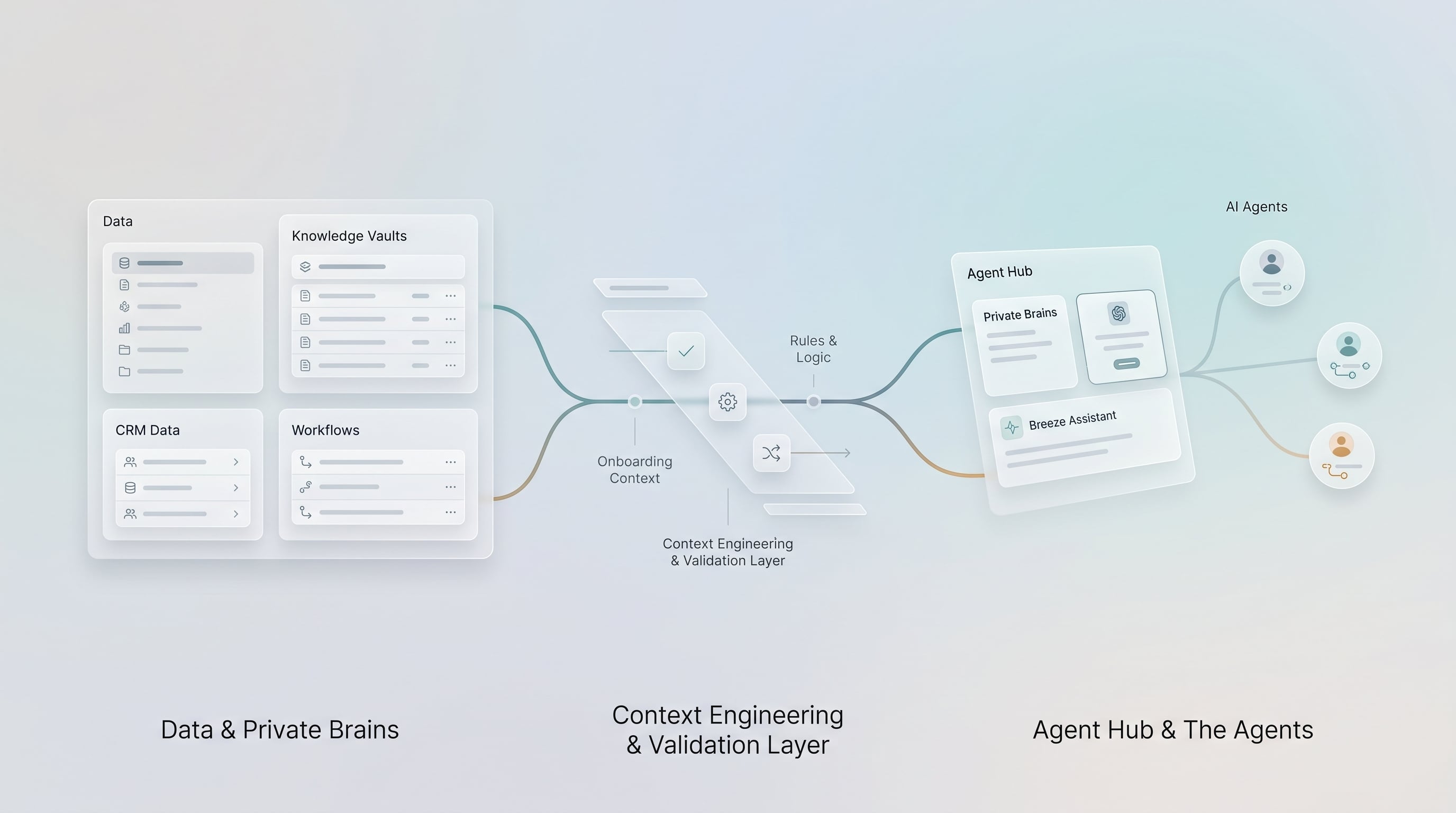
The architecture looks like this:
- HubSpot holds the CRM context.
- Gemini helps the user analyze, summarize, or draft in Workspace.
- The user reviews the output.
- If HubSpot needs to be updated, a governed workflow or integration handles the writeback.
- Sensitive actions are approved and logged.
That separation is a strength, not a weakness.
It keeps Gemini useful where it is strongest while preventing informal document work from becoming uncontrolled CRM automation.
Use Case 1: Gmail Follow-Up Drafts
After a customer meeting, a user may want to draft a follow-up email that reflects CRM context.
Gemini can help summarize what is known from HubSpot and draft a message in Gmail. The user can then review, edit, and send.
For sensitive financial services communications, the workflow should still respect review policies. AI can draft, but the human remains responsible for accuracy and appropriateness.
Use Case 2: Docs-Based Account Briefs
Some teams prepare account briefs in Docs rather than directly inside CRM.
Gemini can help create a first-pass brief:
- Key contacts
- Relationship status
- Open opportunities
- Recent activity themes
- Tickets or service issues
- Suggested agenda
- Follow-up questions
The brief should make clear when it is based on CRM context versus user-added notes or other sources.
If the brief reveals missing CRM fields or action items, the update back to HubSpot should be handled through the normal workflow.
Use Case 3: Sheets Analysis
Teams often export or review lists in Sheets:
- Accounts needing follow-up
- Renewal lists
- Open deals
- Ticket patterns
- Campaign segments
- Data cleanup lists
Gemini can help users interpret the list and identify patterns. But the final CRM updates should be controlled. Bulk AI-suggested changes should not be pushed into HubSpot without validation.
Use Case 4: Meeting Preparation
Gemini can help prepare notes before a customer, client, member, producer, or advisor meeting.
The user can ask for a summary of the HubSpot relationship context and use it to draft questions or agenda items.
For financial services teams, this is useful because meeting prep often requires CRM context plus human judgment. Gemini can speed up preparation, but it should not replace the relationship owner's review.
Example: Wealth Advisor Prep In Google Workspace
A wealth firm using Google Workspace and HubSpot might use Gemini like this:
- An advisor opens a meeting-prep document in Google Docs.
- Gemini retrieves supported HubSpot context about the contact, company, or deal.
- Gemini drafts a short agenda, recent-activity summary, and follow-up questions.
- The advisor reviews the brief and adds judgment from their own client knowledge.
- If a HubSpot note or task should be created, that update happens through HubSpot or a governed workflow, not through the read-only Gemini connector.
This is useful because it respects how advisors work while keeping CRM updates under the right controls.
When Gemini Is Enough
Gemini may be enough when:
- The workflow is read-only.
- The user needs CRM context while drafting or analyzing in Workspace.
- The output is reviewed by a person.
- No CRM record needs to be updated automatically.
- The organization is comfortable with the connector's supported objects and access limits.
Examples:
- Draft an email using HubSpot context.
- Prepare a meeting agenda in Docs.
- Summarize deal or account context.
- Analyze a CRM list in Sheets.
When You Need Middleware
You need middleware or custom architecture when:
- CRM records must be updated.
- External systems beyond HubSpot are involved.
- Sensitive data or regulated workflows are involved.
- Approval, validation, and audit logs are required.
- The process must repeat reliably across teams.
- The workflow needs custom objects, custom properties, or non-standard data.
Examples:
- Create or update a HubSpot task after human approval.
- Write an AI-generated summary to a company record.
- Sync an approved classification to HubSpot.
- Route a service item based on AI-assisted analysis.
- Combine HubSpot context with policy, account, or internal knowledge systems.
The Developer Layer: Gemini API And MCP
The end-user HubSpot connector for Gemini is not the only possible architecture.
Google's Gemini API also supports tool and MCP patterns that developers can use when building custom AI applications. That matters for technical teams that want Gemini as part of a governed workflow instead of only a Workspace assistant.
The distinction is:
- Gemini connector: useful for read-only HubSpot context in Gemini and Workspace.
- Gemini API and MCP: useful for custom applications and workflows designed by developers.
- HubSpot APIs and middleware: needed for governed writeback and operational control.
What To Avoid
Avoid presenting Gemini as a direct replacement for HubSpot workflows.
Also avoid:
- Saying Gemini can update HubSpot through the connector.
- Assuming read-only CRM context is enough for operational automation.
- Exporting sensitive CRM data into unmanaged documents.
- Treating Workspace drafts as approved customer communications.
- Allowing spreadsheet analysis to become uncontrolled bulk CRM updates.
Gemini should help people work with CRM context. It should not become an unmanaged back door into CRM.
Final Takeaway
Gemini is valuable for HubSpot teams because much of the work around CRM happens in Google Workspace.
The right architecture is clear:
- Use Gemini for Workspace-side context, drafting, and analysis.
- Use HubSpot as the CRM workflow layer.
- Use middleware and HubSpot APIs for governed writeback.
- Use human review when the action is sensitive or customer-impacting.
That makes Gemini useful without overstating what the connector does.
Practical Next Step
Use Gemini first for read-only Workspace assistance: meeting prep, email drafts, Docs briefs, and Sheets analysis. If the output needs to update HubSpot or influence a regulated workflow, design the handoff into HubSpot separately.